 ArchiSpark
Settings & Profile
Rename, export, or delete a workspace, and manage your profile and API tokens.
Settings (/settings)
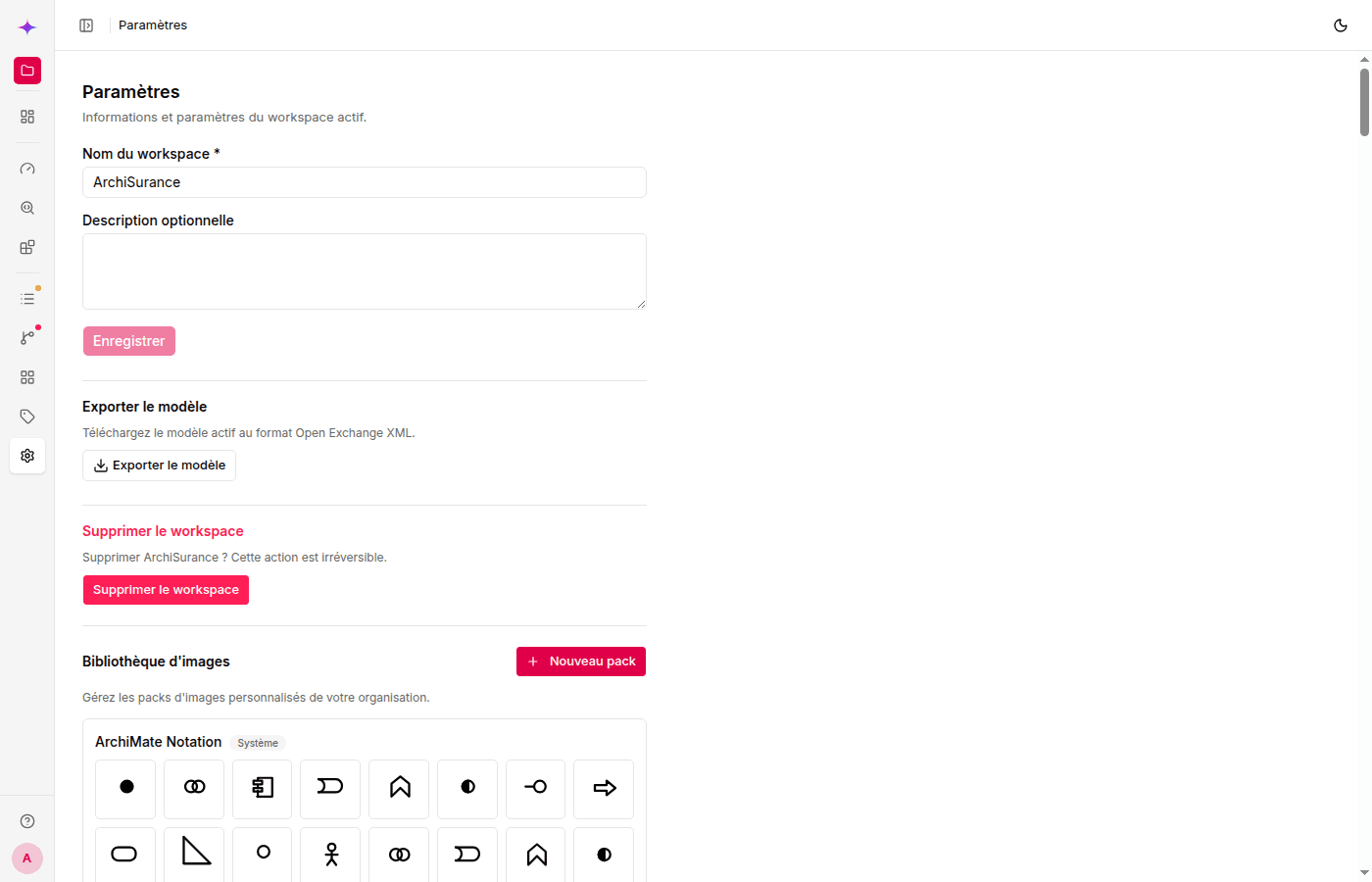
The Settings page lets an Owner or Editor rename the active workspace, edit its description, export it, or delete it. Export offers Open Exchange XML and a ZIP containing the XML plus every view as SVG.
Workspace creation, renaming, activation, and deletion are managed from Workspaces, not from Settings.
Profile (/profile)
Click your name in the top bar's user menu to open your profile.
- Personal information — view the identity supplied by Keycloak.
- Localization — select one of the five interface languages.
- API tokens — generate personal API tokens for the REST API and MCP server. Click New token, give it a name and an optional expiration date, then copy the token — it is shown only once. See Authentication and authorization → API tokens to learn how these tokens are scoped and used.