AI-Native via MCP
Let an MCP agent create, query and manage your models in natural language.
ArchiSpark combines a web UI, REST API and MCP server to model, explore and manage ArchiMate 3.1 architecture.
Screenshots
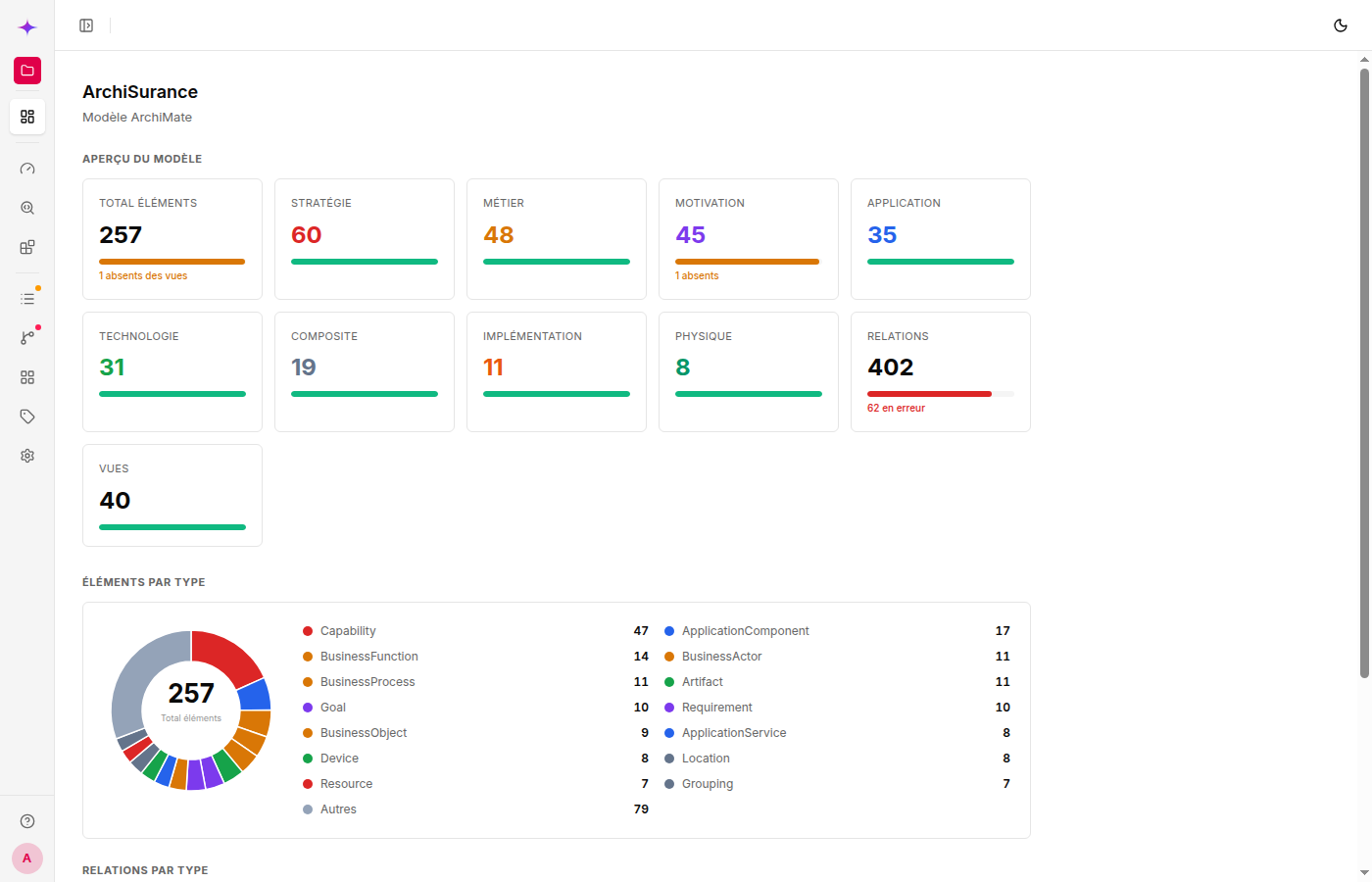
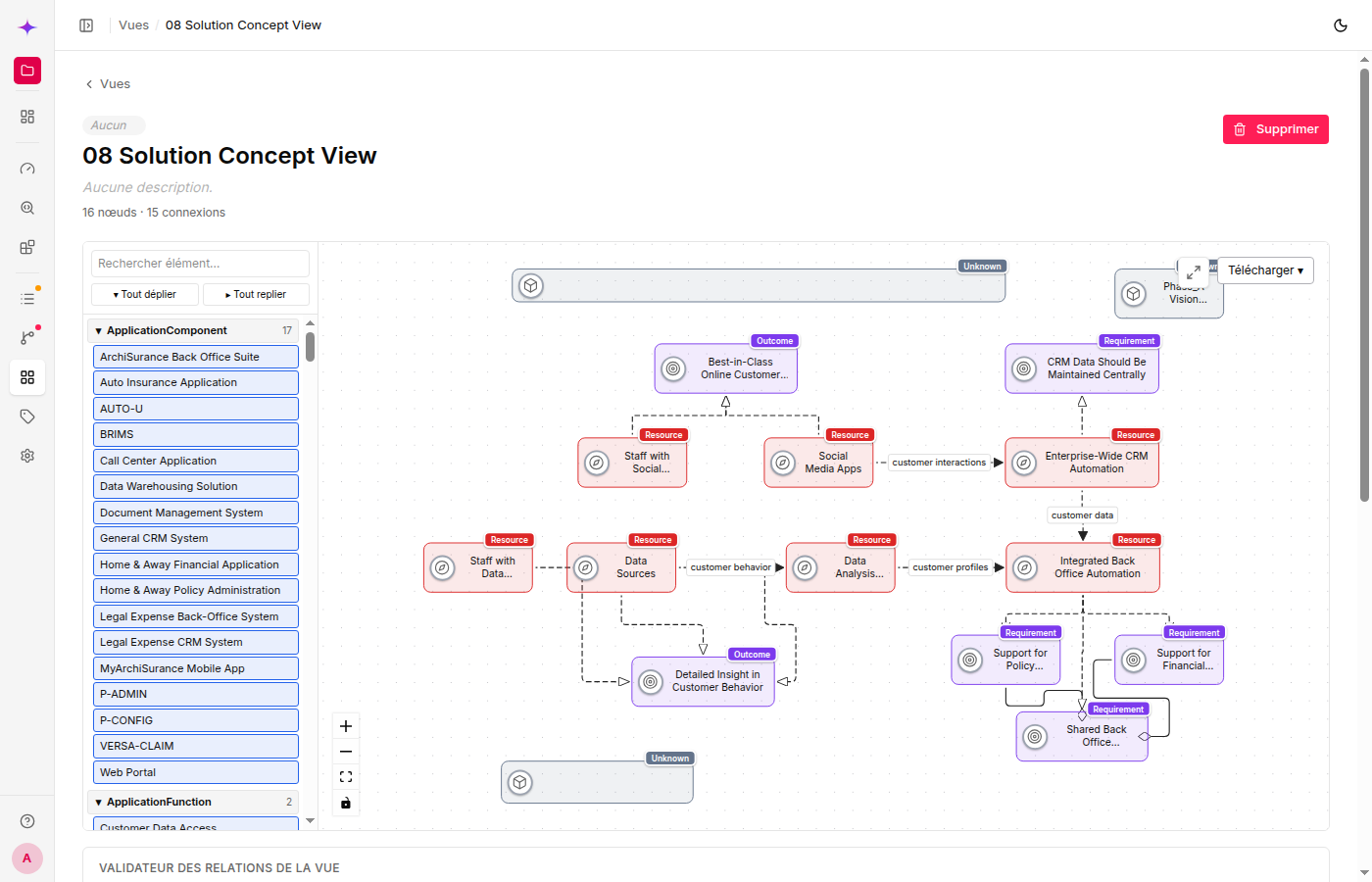
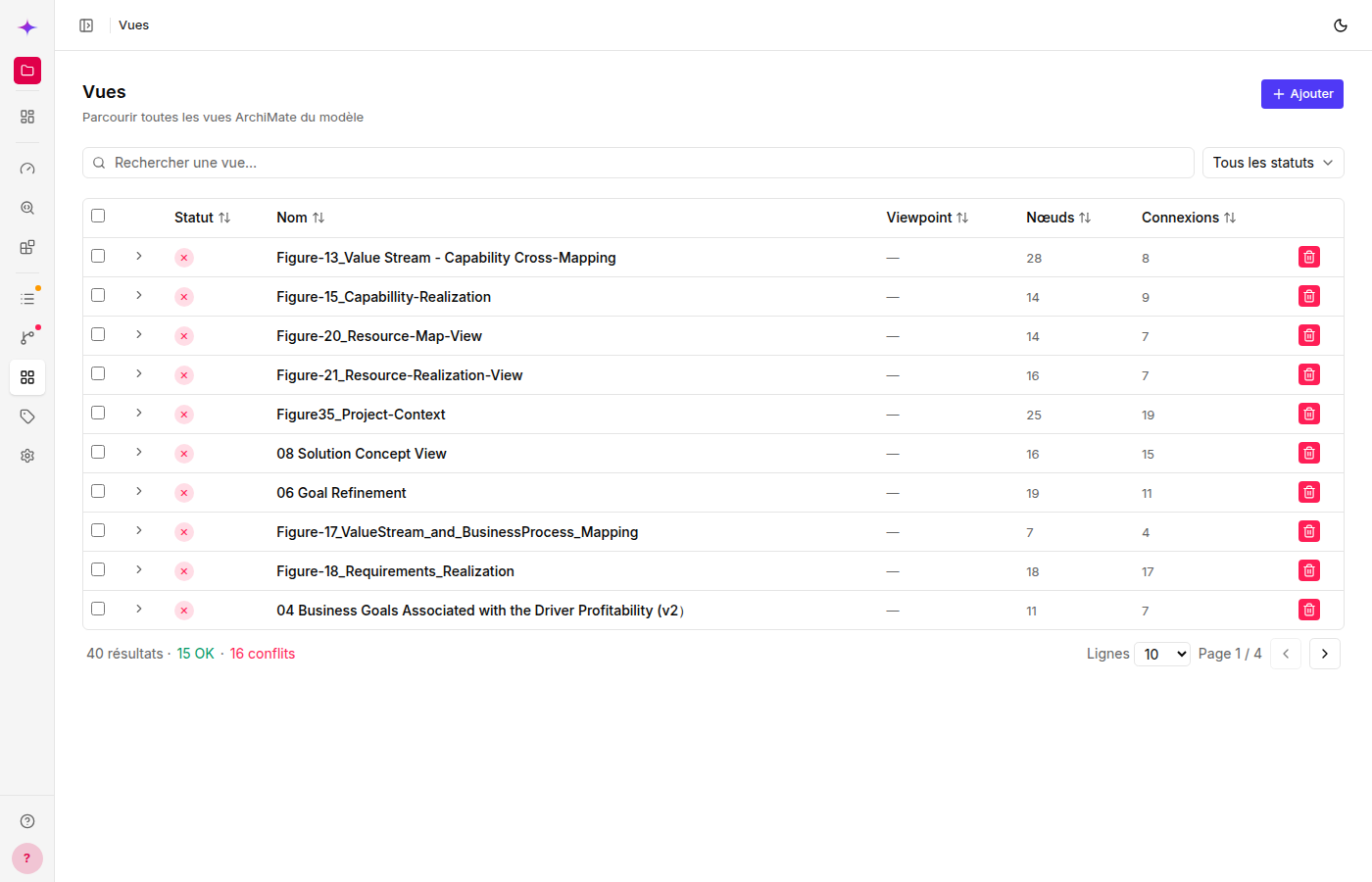
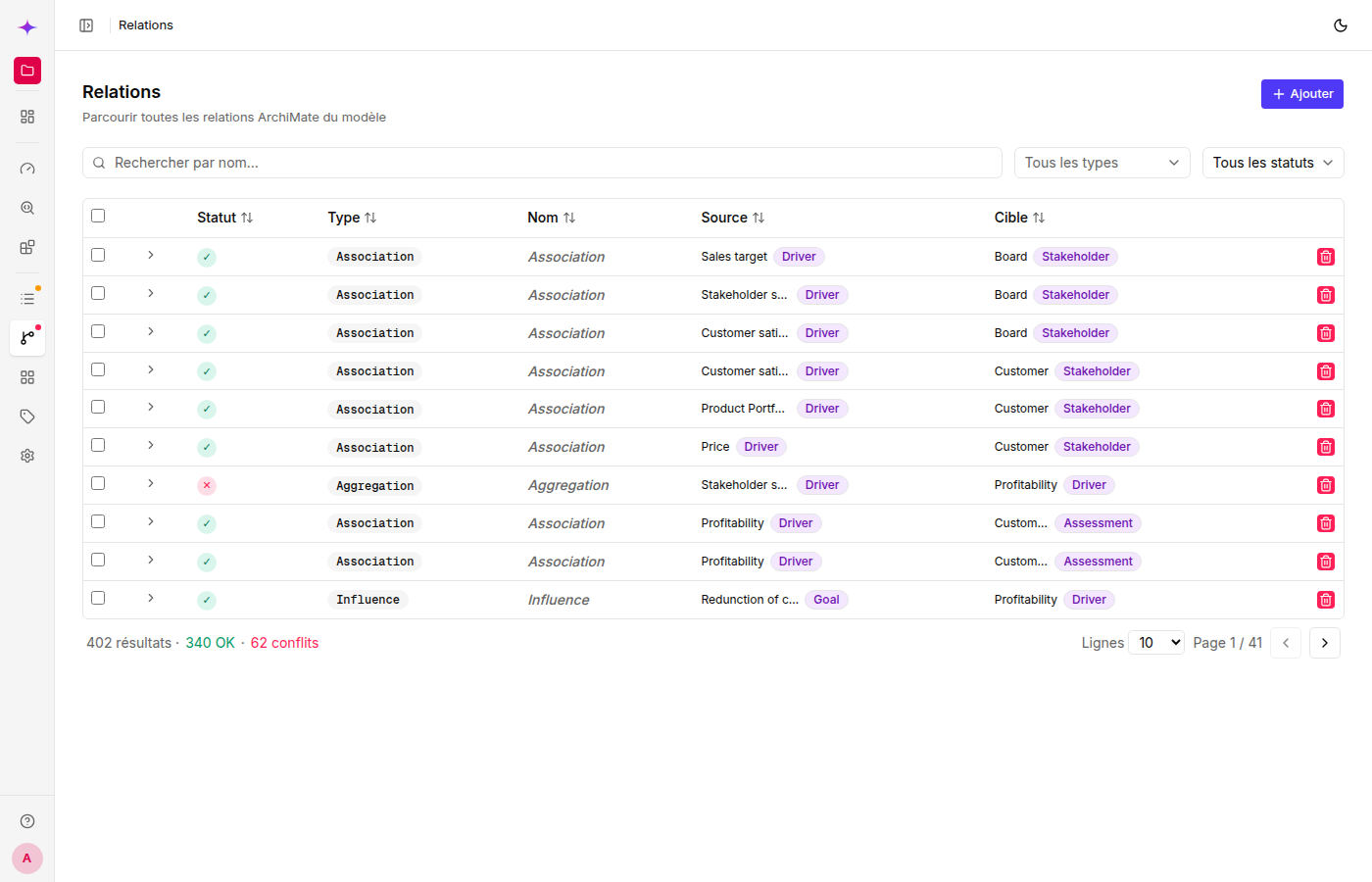
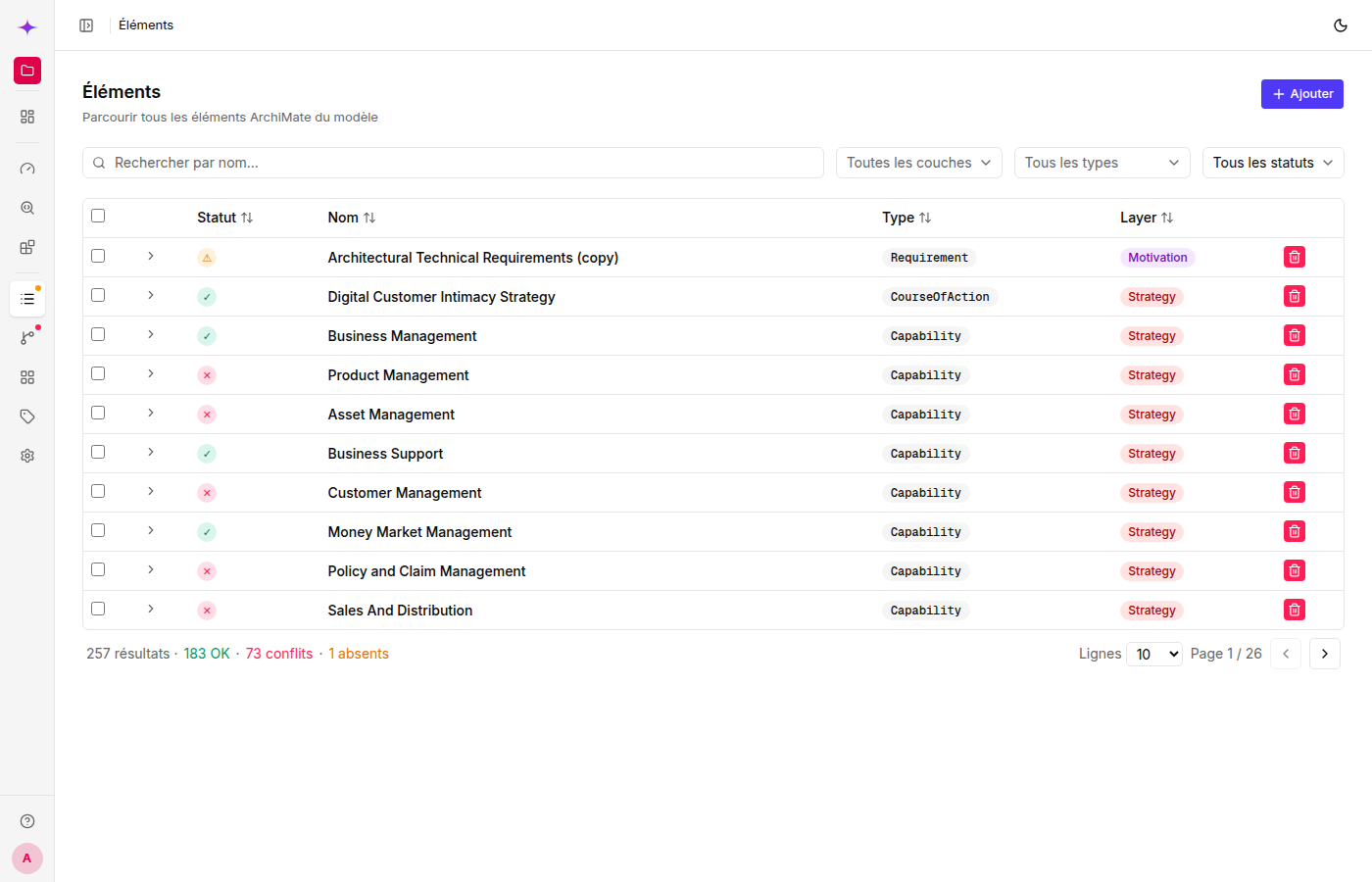
Interactive canvas, validation and analytical landscapes built in.
Features
Everything your team needs to make enterprise architecture a living, queryable practice.
Let an MCP agent create, query and manage your models in natural language.
Import and export models with Archi, BiZZdesign and Sparx EA.
Drag, resize and connect ArchiMate elements in the browser.
Check relationships against ArchiMate 3.1 rules as you model.
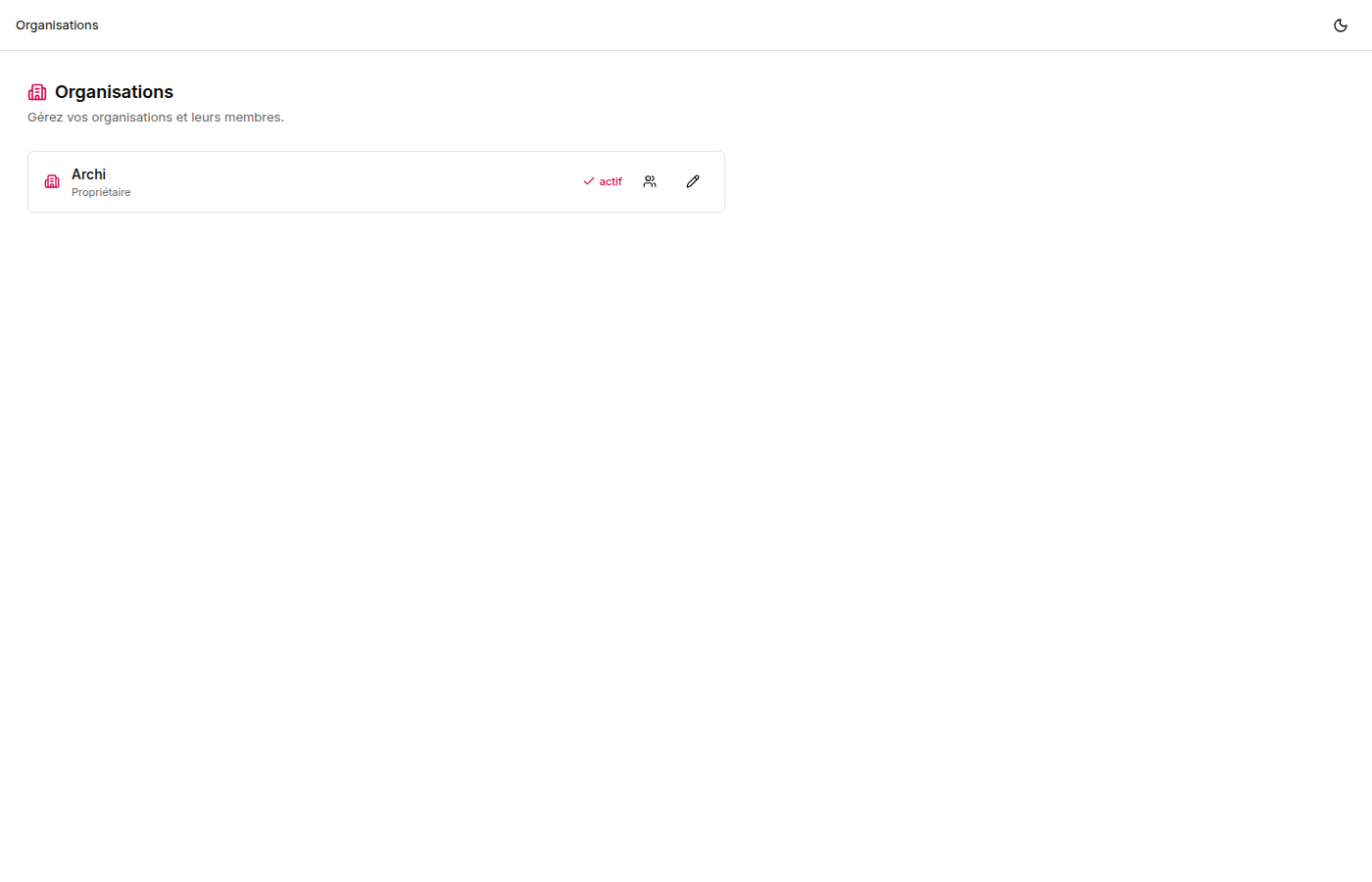
Organizations and members keep every workspace properly scoped.
Explore your architecture through configurable dashboards and views.
Manage multiple ArchiMate models side by side.
Render element types with their layer-specific colours and icons.
Export individual views or the full model whenever you need it.
Filter elements and relationships by type, name, source or target.
Switch the interface language instantly and keep your preference.
Store models and metadata in PostgreSQL with managed migrations.
MCP server
ArchiSpark ships a Streamable HTTP MCP server exposing 37 tools — full API parity. Point Claude at it and describe your systems — it creates elements, relationships, views and renders diagrams, all through natural language.
# Claude Code
claude mcp add archispark \
  http://localhost:8000/mcp/ \
  --transport http \
  --header "Authorization: Bearer <your-token>"

# Codex
export ARCHISPARK_TOKEN="<your-token>"
codex mcp add archispark \
  --url http://localhost:8000/mcp/ \
  --bearer-token-env-var ARCHISPARK_TOKEN

# Then ask Codex:
Create a BusinessActor "Customer",
an ApplicationComponent "CRM",
and a Serving relationship.
Quick start
Three steps. Then open the web UI and start modelling.
Requires Node.js 22.13 or later and pnpm.
git clone https://github.com/Archimatetool/archispark
cd archispark && pnpm installCreate the local environment, then start PostgreSQL.
pnpm env
pnpm infra:up:dbRun the application, then create or select a workspace.
pnpm dev
open http://localhost:8000/workspaces
Contact
Tell us about your ArchiMate practice, an integration, or the deployment you have in mind.